How Do I Change Cell Parameters?
Last updated: December 2, 2008
This section details how to access and change cell parameters. There are several configurable cell parameters. For more information, see Cell Parameters .
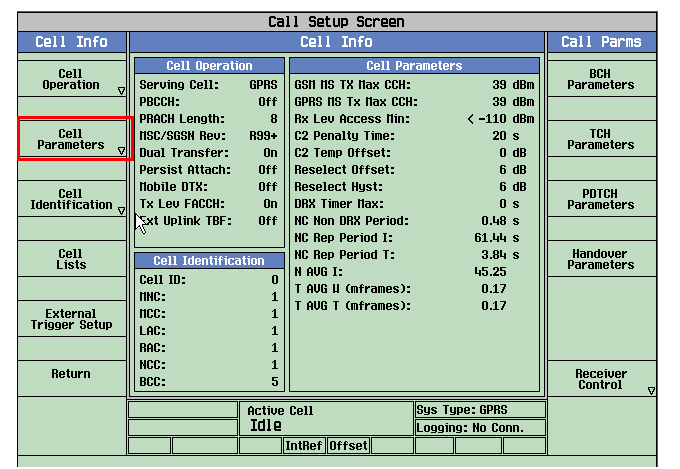
B. Set a cell parameter.
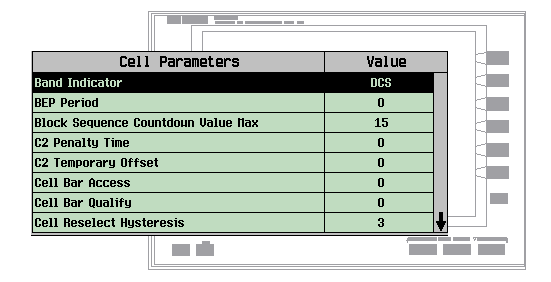
-
To change cell parameters:
-
The operating mode must be set to "Cell Off" to change the grayed out parameters, (see
Operating Modein the Call Setup Screen). - Set network cell parameter to the desired value. (Highlight the parameter, press the knob.)
- After you have set all the cell parameters to desired values, remember to change the operating mode back to what you had it set to (before you set it to Cell Off to change the Cell Parameters).
-
The operating mode must be set to "Cell Off" to change the grayed out parameters, (see